• Skip to main content
25% OFF THE CHALLENGE PUZZLE BUNDLE! • USE CODE CHALLENGE25 »

All Things Algebra®

  • Shop
  • About
  • FAQ
  • Contact
  • My Account
  • Cart / $0.00
Back to All Products
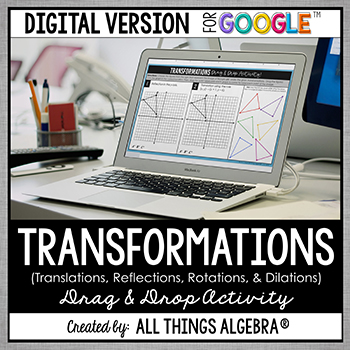
Transformations Digital Drag & Drop Activity (for Google Slides™)

Transformations Digital Drag & Drop Activity (for Google Slides™)

$4.00

Only a nontransferable license is available for this resource.

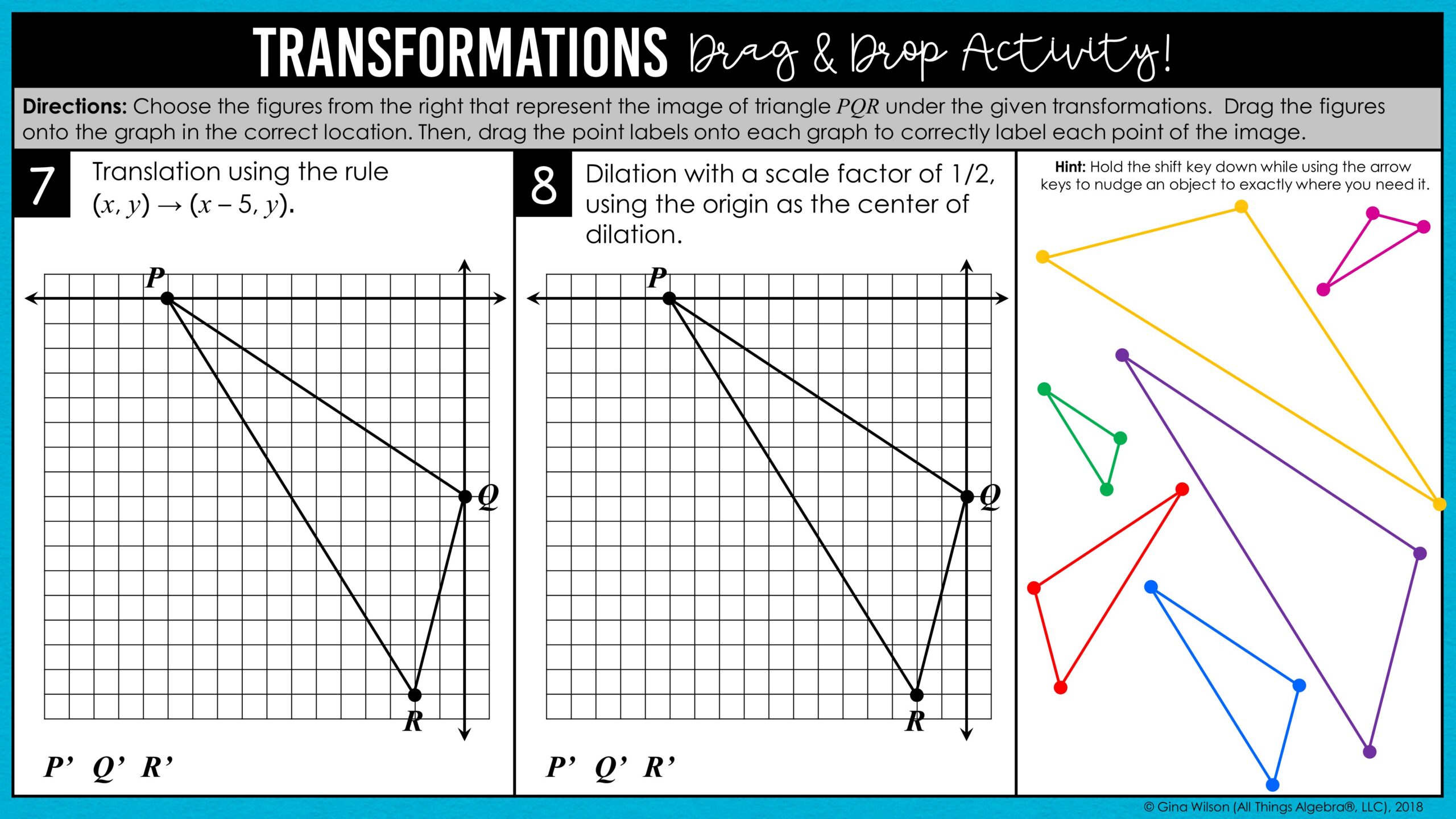
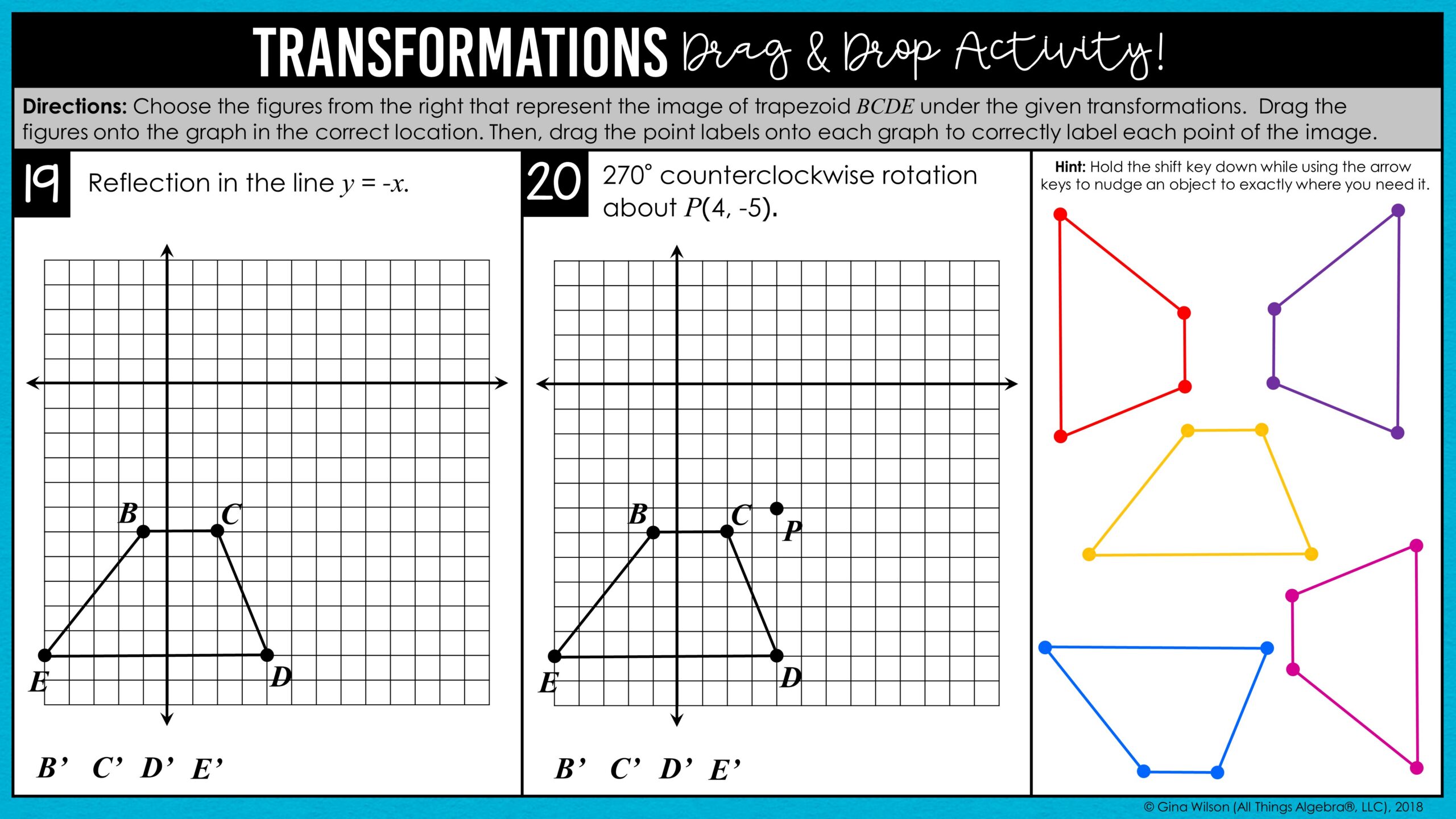
This transformations digital activity for Google Slides™ gives Geometry students hands-on practice with translations, reflections, rotations, and dilations.

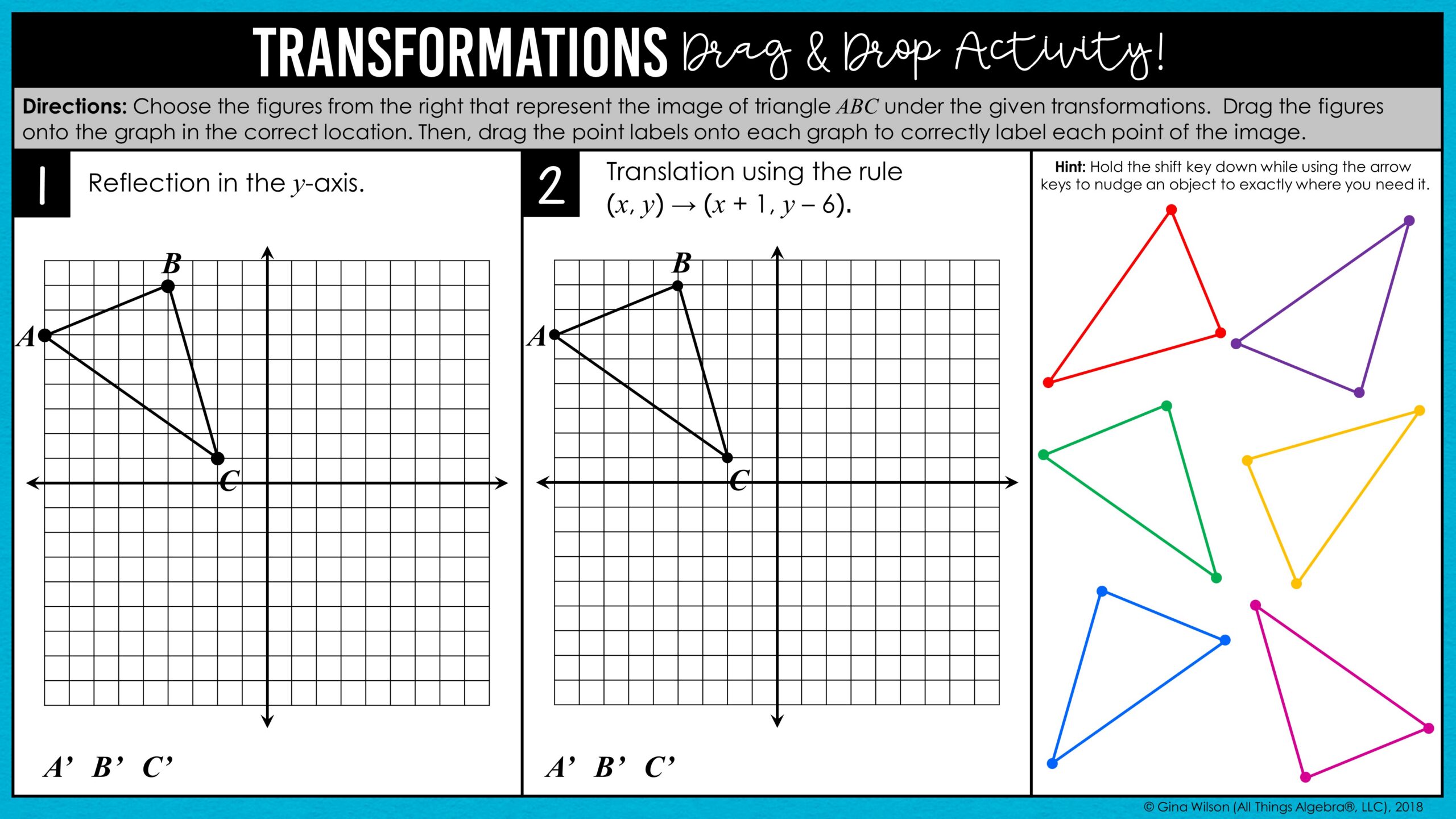
Students drag the correct image onto the graph and label its points for 24 problems, and the color coding makes checking quick and easy.

View more like this: Geometry, Digital Activities
  • Description
  • Additional Information
  • What Educators Are Saying

This transformations digital activity is an engaging, no-prep way for students to review and practice translations, reflections, rotations, and dilations in Google Slides™. It was written for a high school level Geometry class.

Translations use both coordinate and vector notation. Reflection lines include the x-axis, y-axis, y = x, y = -x, and other vertical and horizontal lines. Rotations include 90°, 180°, and 270°, both counterclockwise and clockwise, about the origin as well as other fixed points. Dilations use the origin as the center of dilation as well as other fixed points.

How It Works:

There are 24 total problems, with two problems per slide. Students choose the figure that represents the image under the given transformation, slide it to its correct location on the graph, then drag the point labels up to correctly label the figure. Not all figures will be used. The color coding makes it easy for you to see if they chose the correct figure! When they’re finished, students can share the completed activity back with you for review. An answer key is included.

Looking to differentiate? Removing some of the figures before assigning is a great way to modify the activity.

What You’ll Receive:

Once purchased, you will receive a PDF document with a link and directions for adding the activity to your Google Drive™. You and your students will need a free Google account to access the activity. Once it’s added to your Drive, you can make copies and share the activity with your students.

Please note: Digital Google Slides™ activities are sold separately from the curriculum bundles.

This resource is included in the following bundle(s):

Google Drive Activities Bundle – VOLUME 2

License Terms:

This purchase includes a single non-transferable license, meaning it is for one teacher only for personal use in their classroom and can not be passed from one teacher to another.  No part of this resource is to be shared with colleagues or used by an entire grade level, school, or district without purchasing the proper number of licenses.  A transferable license is not available for this resource.

Copyright Terms:

No part of this resource may be uploaded to the internet in any form, including classroom/personal websites or network drives, unless the site is password protected and can only be accessed by students.
What format are the files in?
Once purchased, you will receive a PDF document with a link and directions on how to download this activity to your Google drive. You and your students must have a free Google account in order to access this activity. Once you download the activity to your Google drive, you can share it with your students.
 
Will I have access to materials if they are updated?
Yes! If any changes are made to the materials, simply login and redownload from your purchases.
 
Are answer keys included?
Yes!

I was able to adapt this different levels of difficulties by removing slides. The students loved not having to draw every shape. They liked being able to work with the points to figure out the correct answers.

—CYNTHIA J.

My students used this as a review for their assessment. A PERFECT way for them to have a “hands on” activity to practice a newly acquired skill.

—JORDYN K.

I needed more hands on activities for our transformations unit and this one is great. My students are more engaged when they have manipulatives.

—KEWY A.

Return to Shop

You may also like these products

Congruent Triangles Review Digital Escape Room (for Google Slides™)

Angle Proofs Digital Drag & Drop Activity (for Google Slides™)

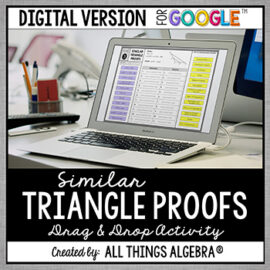
Similar Triangle Proofs Digital Drag & Drop Activity (for Google Slides™)

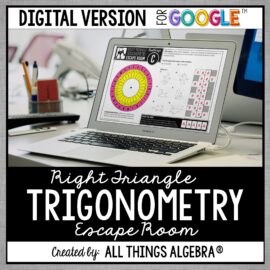
Right Triangle Trigonometry Review Digital Escape Room (for Google Slides™)

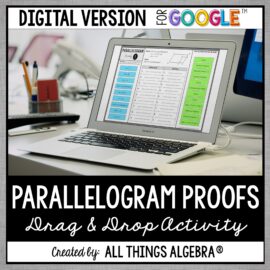
Parallelogram Proofs Digital Drag & Drop Activity (for Google Slides™)

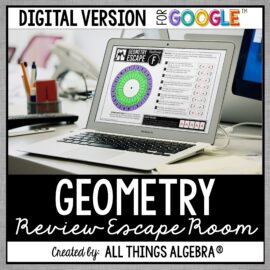
Geometry End of Year EOC Review Digital Escape Room (for Google Slides™)

Distance Formula Digital Triples Activity (for Google Slides™)

Circles Review Digital Escape Room (for Google Slides™)

Algebraic Proofs (Set 2) Digital Drag & Drop Activity (for Google Slides™)

Volume and Surface Area Digital Puzzle (for Google Slides™)

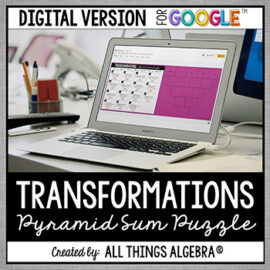
Transformations (Reflections, Translations, Rotations, Dilations) Digital Pyramid Sum Puzzle (for Google Slides™)

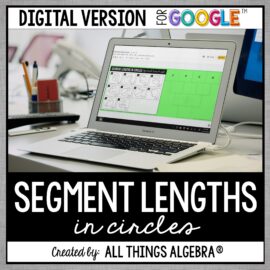
Segment Lengths in Circles Digital Pyramid Sum Puzzle (for Google Slides™)

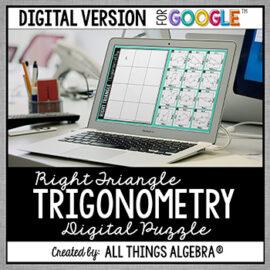
Right Triangle Trigonometry Digital Puzzle (for Google Slides™)

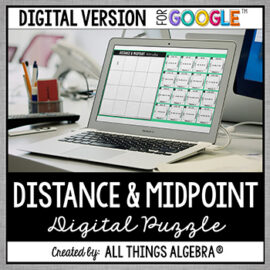
Distance and Midpoint Formulas Digital Puzzle (for Google Slides™)

Congruent Triangle Proofs Digital Drag & Drop Activity (for Google Slides™)

Algebraic Proofs (Set 1) digital drag and drop activity for Google Slides

Algebraic Proofs (Set 1) Digital Drag & Drop Activity (for Google Slides™)

  • Shop All Products
  • Gift Cards
  • Contact
  • FAQ
  • My Account
  • View Cart
  • Checkout

Copyright © 2026 All Things Algebra •  All rights reserved  •  Site Design by Emily White Designs