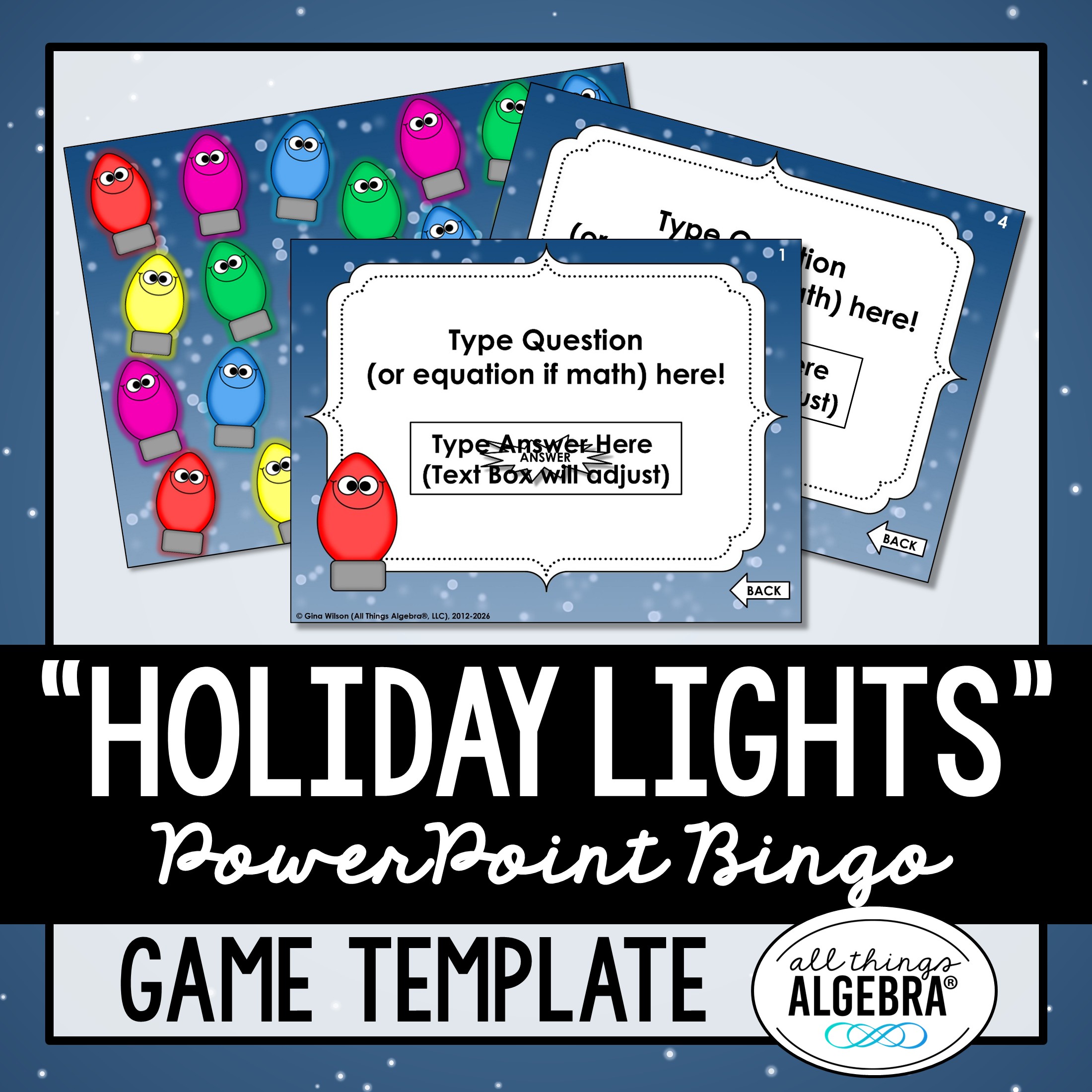
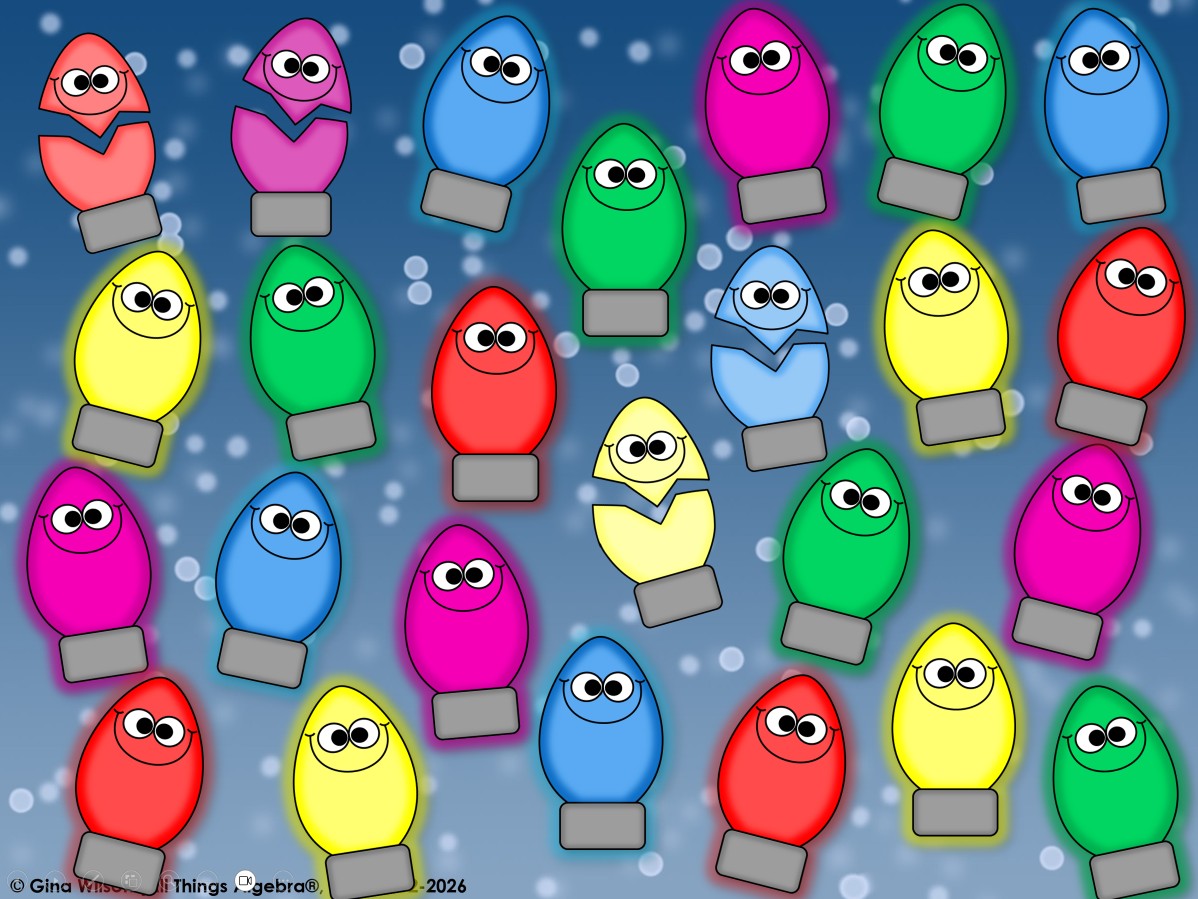
This Holiday Lights Game PowerPoint Template is an editable review game in which students aim for holiday lights to reveal questions on any topic you choose. It can be played with students of all ages and in any subject area. With a Smart Board (or other interactive whiteboard), students aim for a light with a Koosh ball or tap the board. Or, you can play the game with a projector and have students come up to the computer to click on a light.
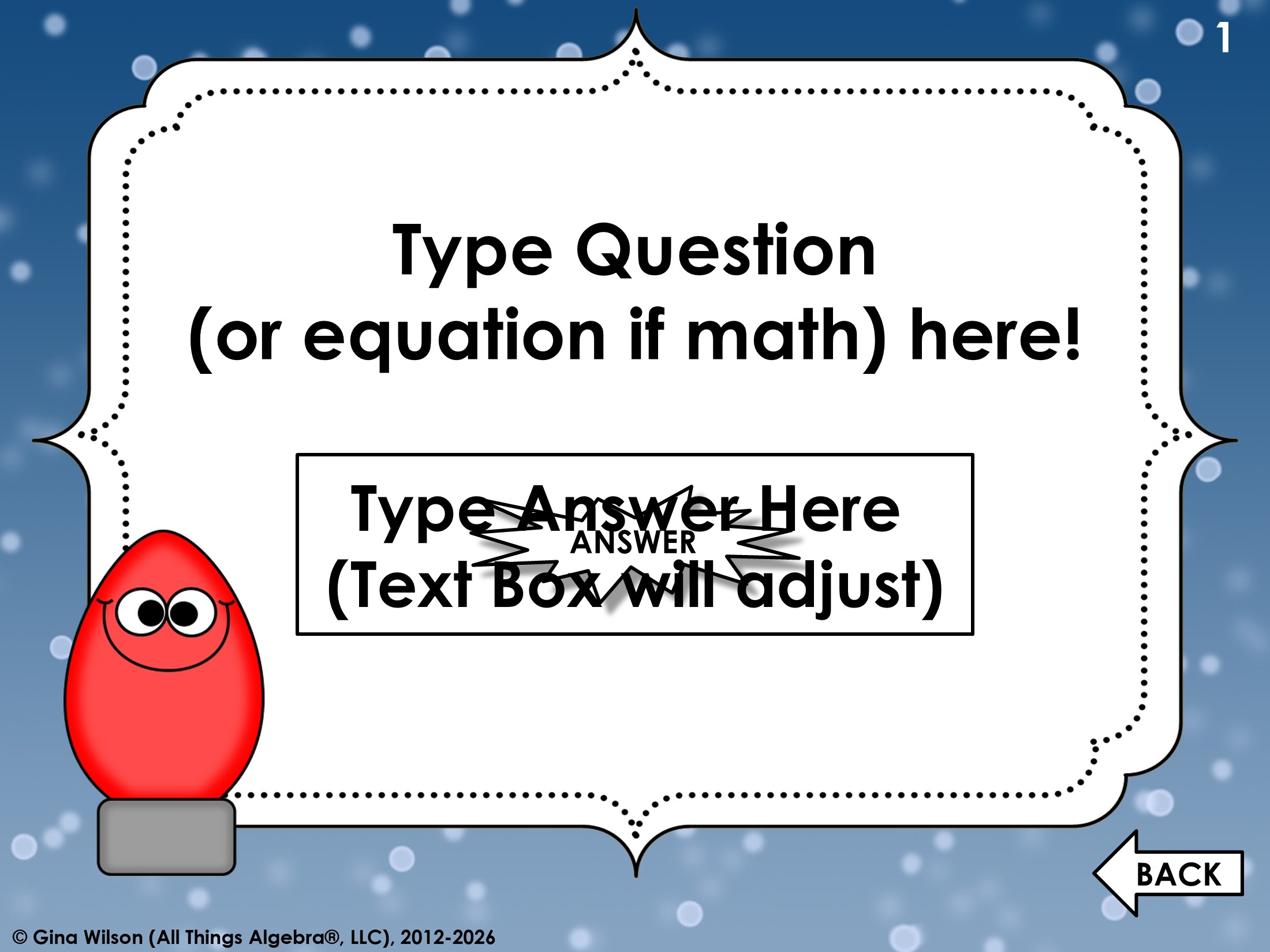
You can enter your own 25 questions and answers into the game slides, then scatter the answers onto bingo boards. Some teachers choose to have students create their own bingo boards. You can also play for points instead of bingo, with each light worth one point.
Once a light has been hit, it appears “smashed” and deactivates, so you won’t have to worry about hitting the same question twice. This low-prep game is a fun way to review during the winter months, and since it’s editable, you can use it again and again with any topic.
Click here for a video preview of this game template.
PowerPoint is required for this game! It will not work with Google Slides or any other program.
License Terms:
This purchase includes a single non-transferable license, meaning it is for one teacher only for personal use in their classroom and cannot be passed from one teacher to another. No part of this resource is to be shared with colleagues or used by an entire grade level, school, or district without purchasing the proper number of licenses. A transferable license is not available for this resource.
Copyright Terms:
No part of this resource may be uploaded to the internet in any form, including classroom/personal websites or network drives, unless the site is password protected and can only be accessed by students.
Clipart designed by The Enlightened Elephant